SPC Granular X
Three granular engines. One graphite console.
“Texture design at instrument speed.”
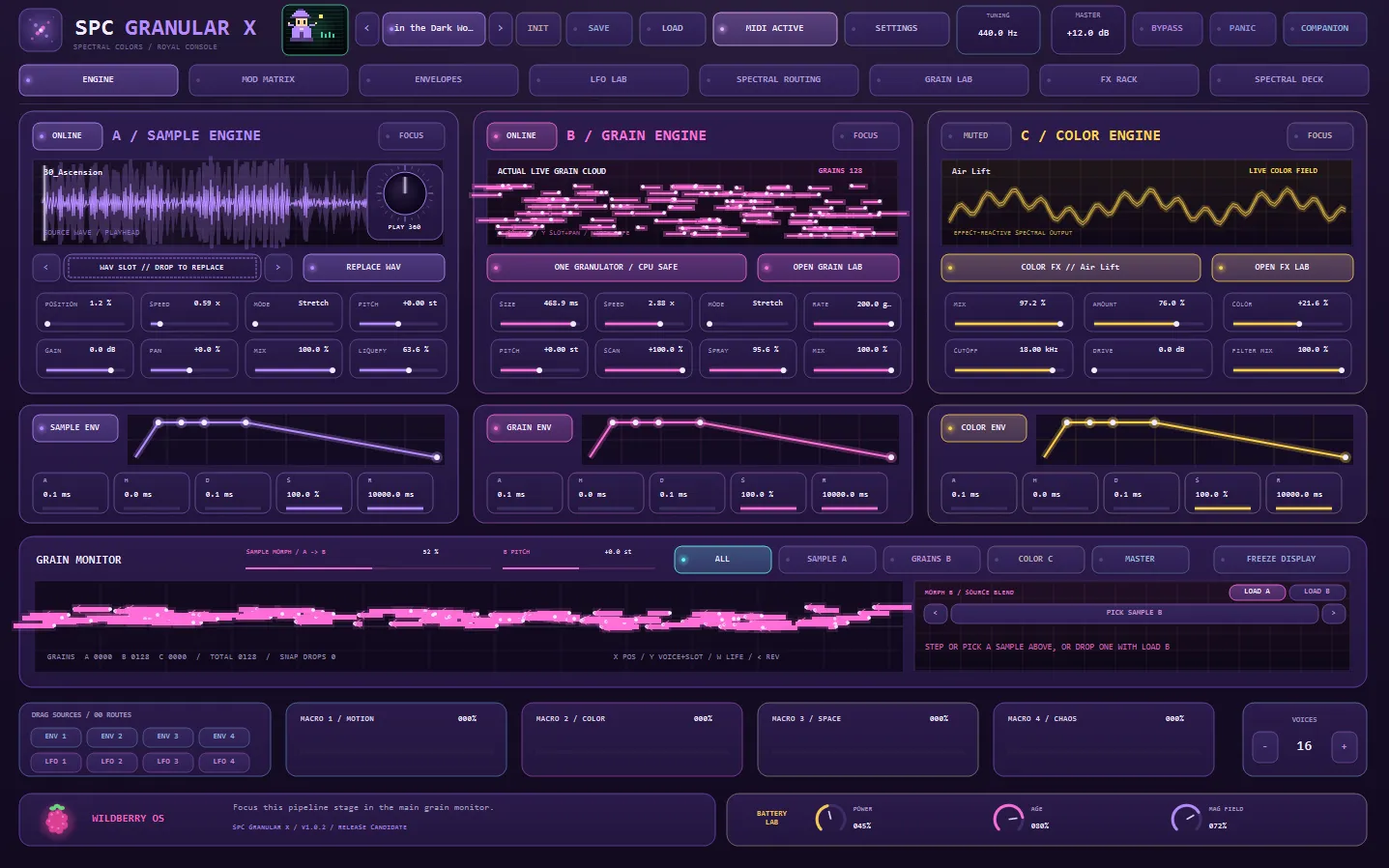
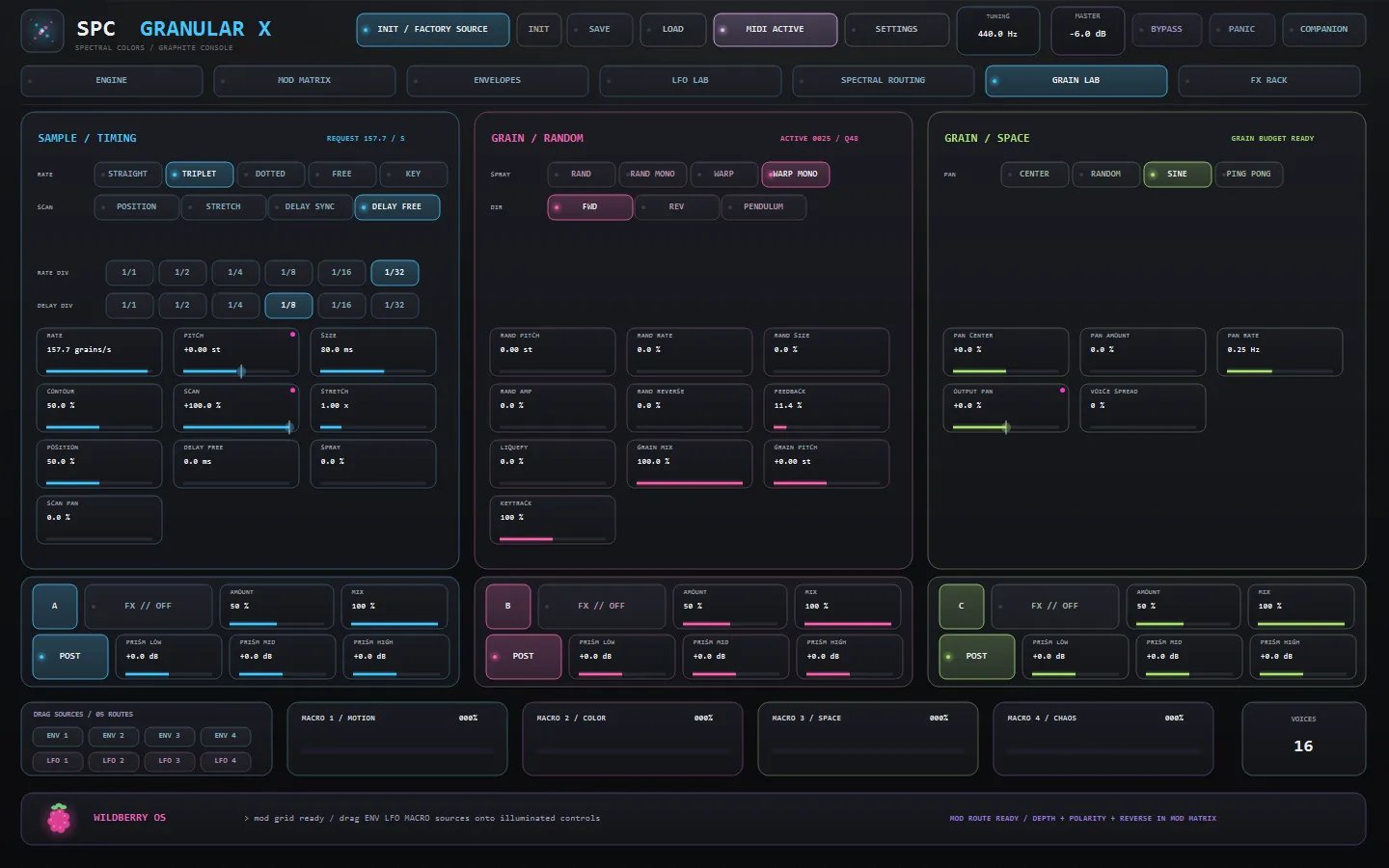
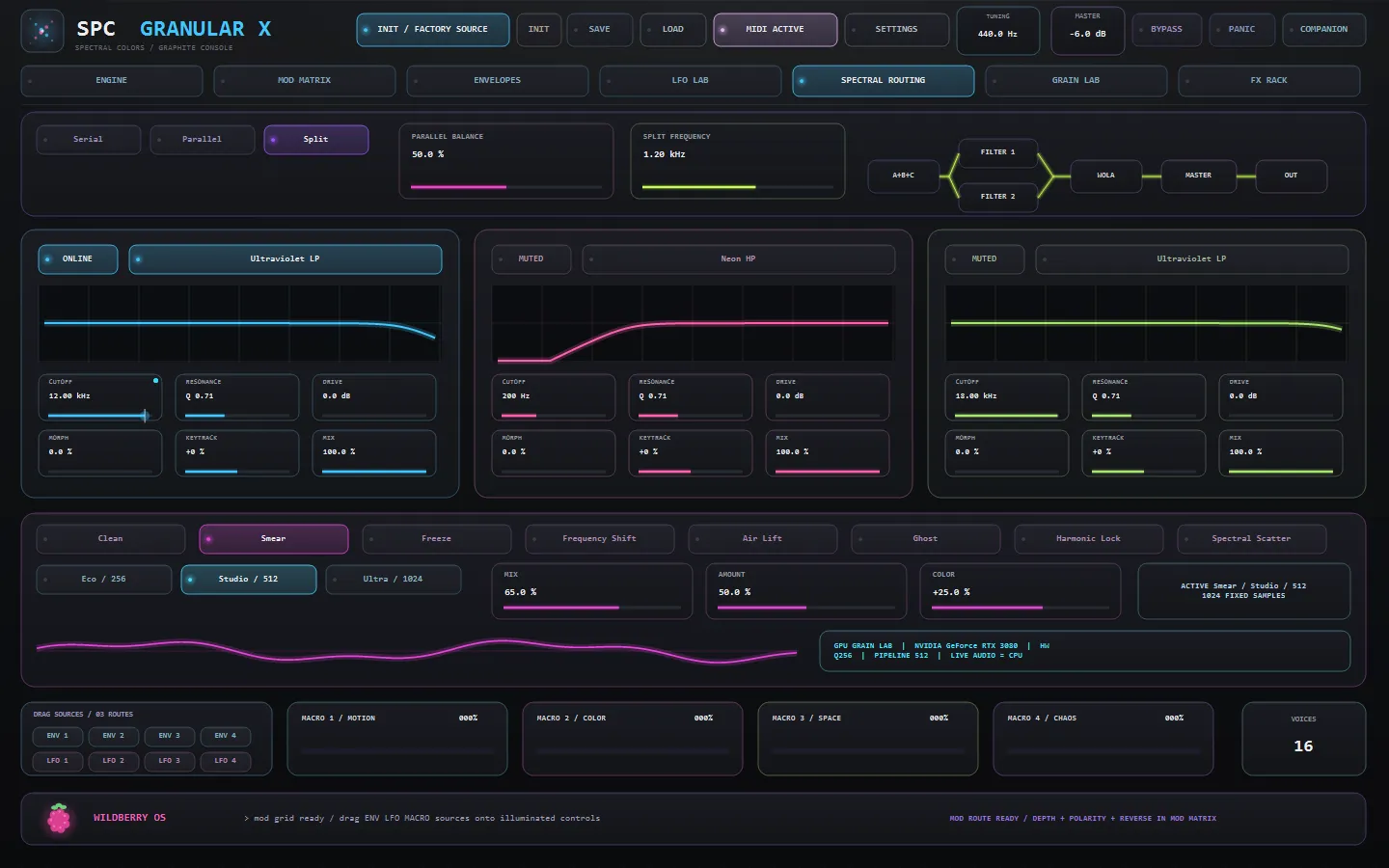
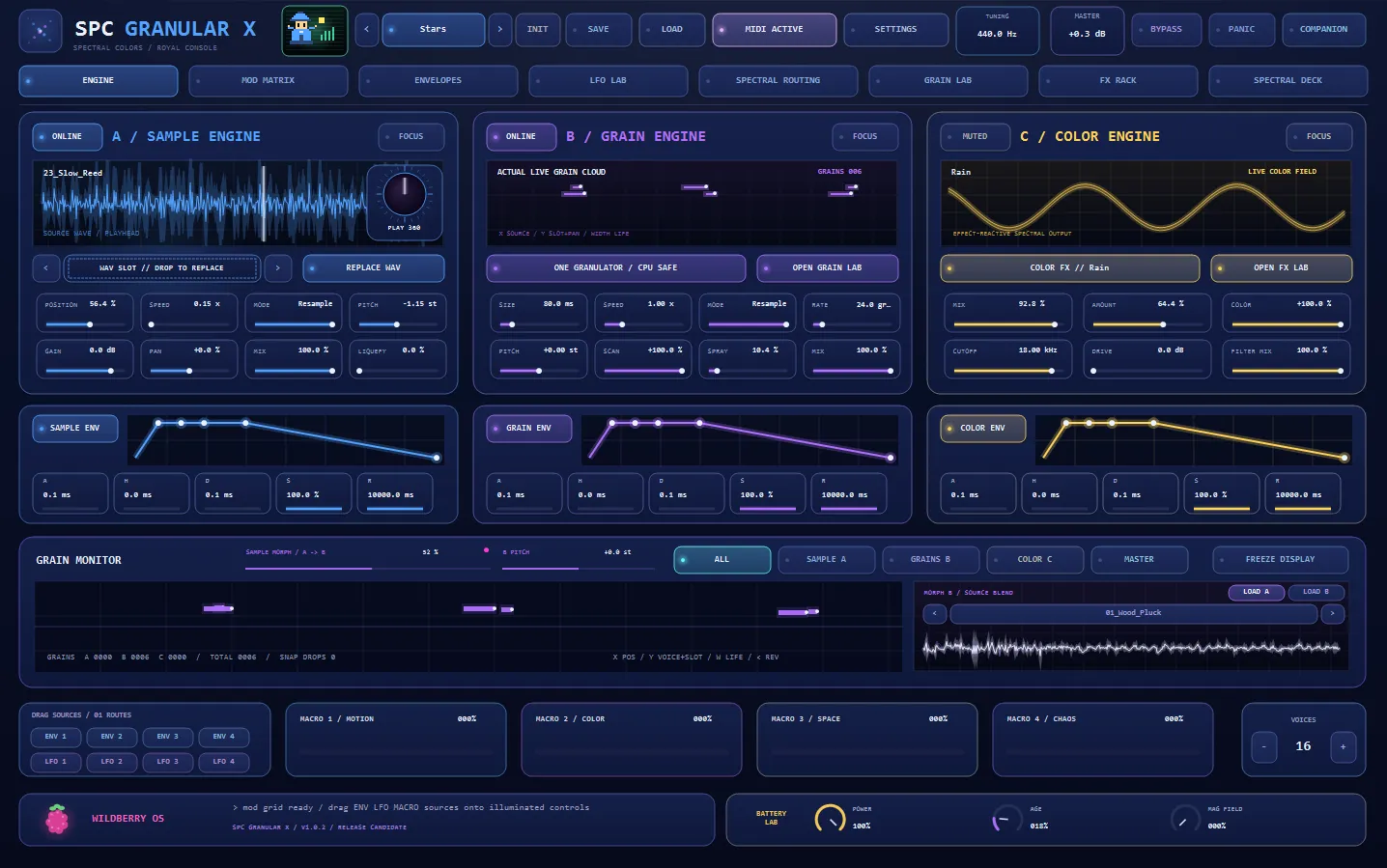
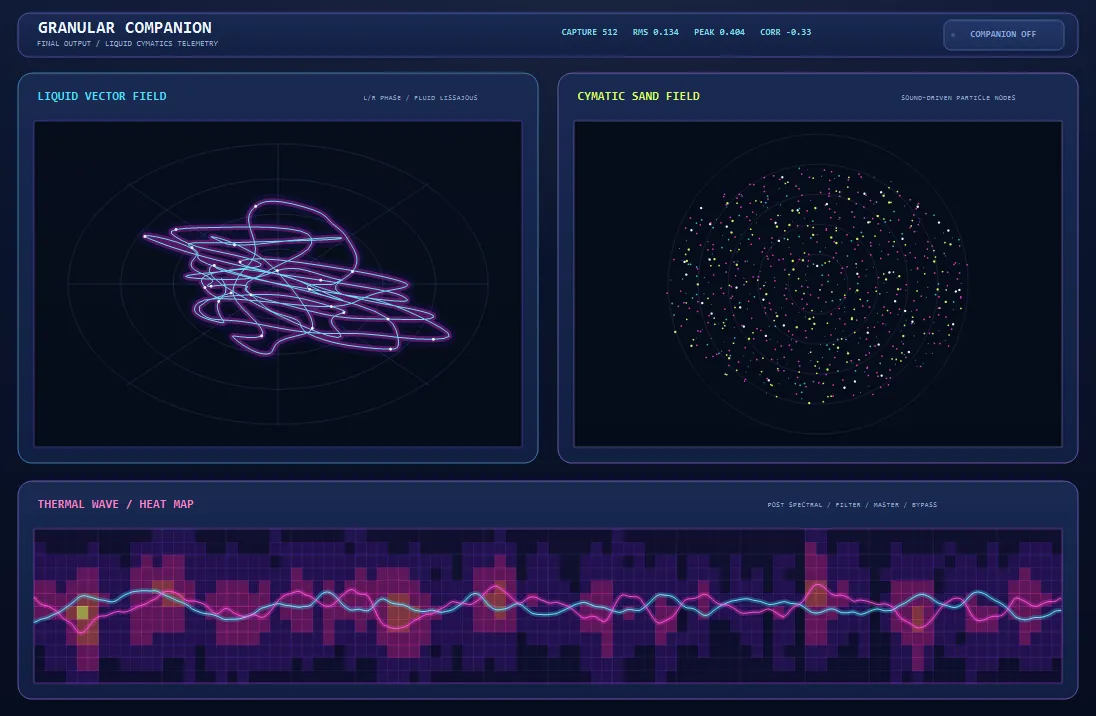
SPC Granular X is a granular instrument built around a focused Sample A → Grain B → Color C architecture: Engine A plays and scans the source, Engine B granulates it — rate, size, contour, spray, random pitch and direction, warp modes, feedback and liquefy — and Engine C colours the result, with a Prism low/mid/high tilt and an FX strip on every engine. The Graphite Console lays it all out in tabbed pages: the Grain Lab with its sample/timing, grain/random and grain/space decks, a Mod Matrix with drag-and-drop routing (pick up an ENV, LFO or MACRO chip and drop it on any illuminated control), four envelopes, an LFO Lab, Spectral Routing and an FX Rack. Four macros — Motion, Color, Space and Chaos — pull whole scenes with one knob, and everything syncs from straight to triplet, dotted, free or key-tracked rates. A packaged factory library of 22 source WAVs gets you moving before you load your own samples, MIDI preview and mapping bring it onto hardware, and Performance Safe Mode keeps a live set unbreakable: the audio thread stays CPU-authoritative while the GPU editor presentation remains an explicit, recoverable option.
Available now — a one-time purchase, yours to keep.
Highlights
- Sample A → Grain B → Color C — a focused, playable granular signal path
- Grain Lab: rate / size / contour / spray, random pitch, warp modes, feedback, liquefy
- Independent sample playback speed and grain traversal — plays like a sampler synth
- Drag-and-drop Mod Matrix — ENV / LFO / MACRO chips onto illuminated controls
- Four envelopes, LFO Lab, Spectral Routing and a per-engine FX Rack
- Four macros: Motion / Color / Space / Chaos
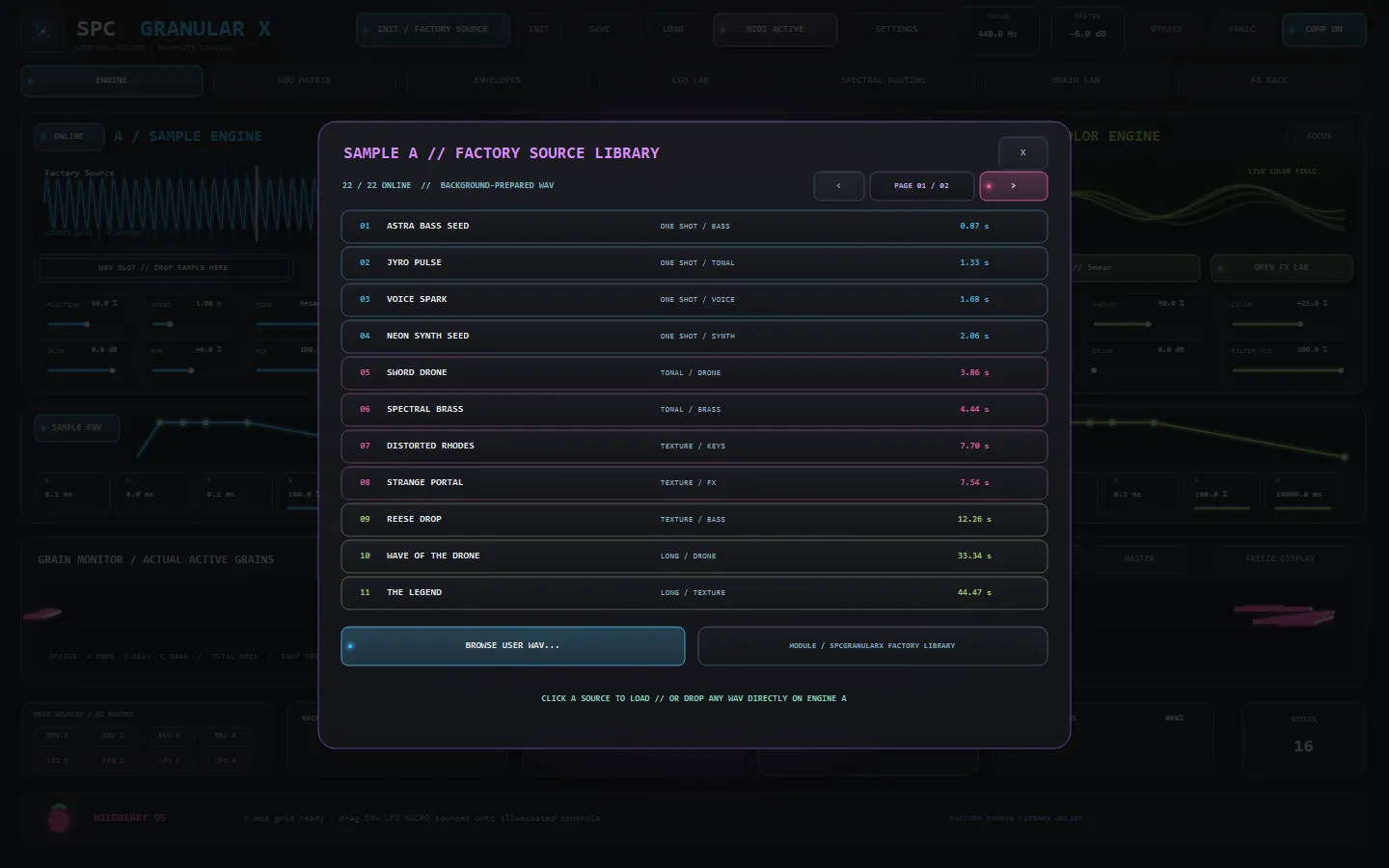
- 22-WAV factory source library + your own samples
- MIDI preview and mapping for hardware control
- Performance Safe Mode — live-set stability, CPU-authoritative audio
At a glance
- Format
- CLAP instrument (64-bit)
- OS
- Windows 10 / 11
- Host
- Any CLAP host — FL Studio 21.2+, Bitwig, Reaper…
- Version
- 1.0.2
Latest updates
Actively developed — recent fixes and improvements:
- Stereo sources — samples played in mono until now, because every source was summed to one buffer before the engine saw it. Both the grain bus and Sample Engine A now keep a stereo source’s image.
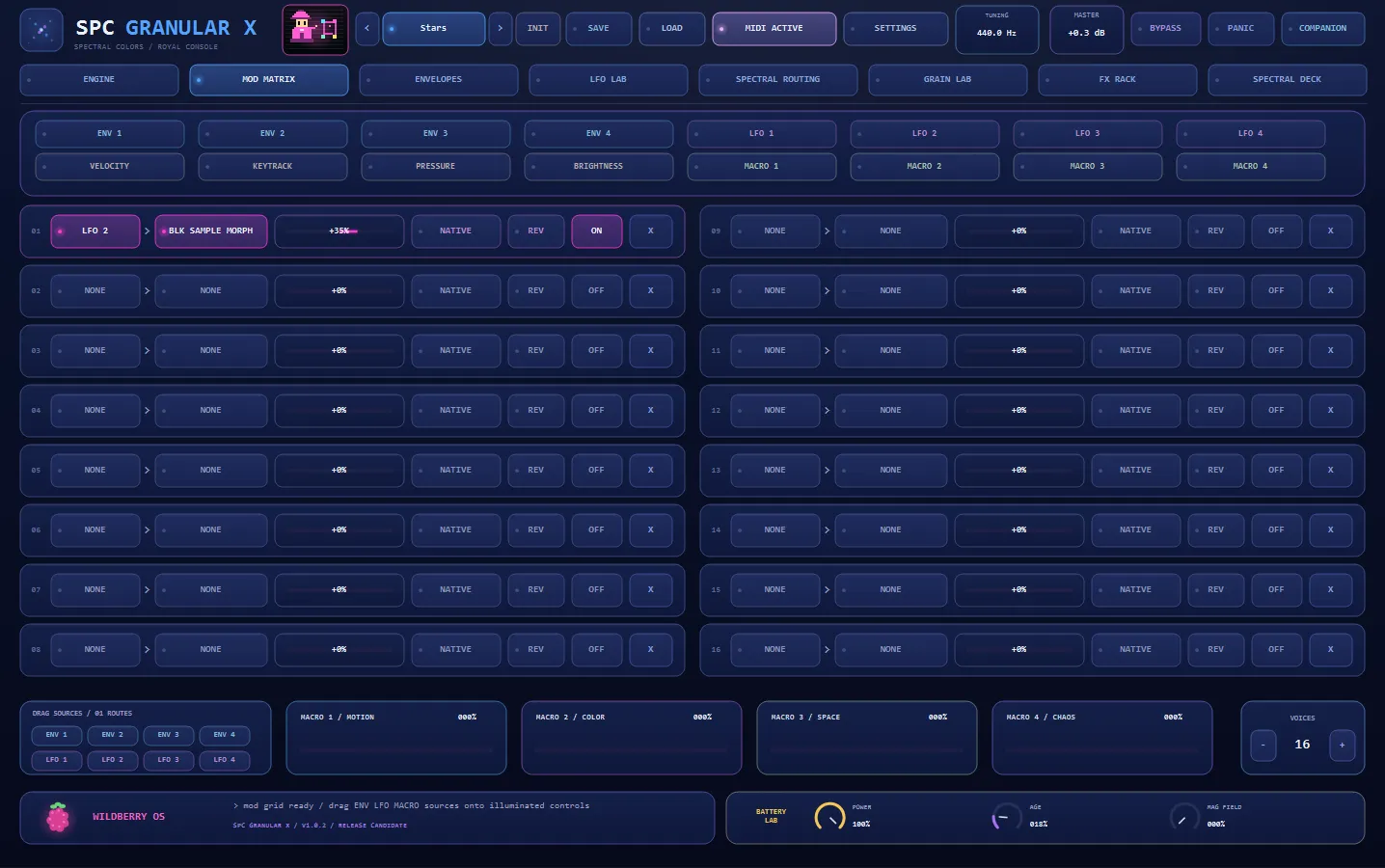
- Sample Morph — blend a second source into the grain engine, with its own sample select and a ±24 semitone B PITCH.
- Three spectral modes: Rain, Digital and Convolution, plus a per-mode SHAPE knob and a MOVEMENT toggle that animates it.
- Six Holographic console themes, four light and two dark; the monitor glass and the Spectral Deck now follow the active theme.
- Factory library rebuilt around 43 in-house sources with 19 factory presets.
- Release — one-time activation with offline license, installer, and a full parameter-readout audit: every control now displays and round-trips its value correctly (official CLAP validator: 0 failures).
- Sampler-synth feel — sample playback speed and grain traversal speed are now shaped independently.
- Factory source library doubled to 22 packaged WAVs.
- Modal Settings console and explicit, recoverable GPU editor presentation.
Learn the technique
Not sure if this is the tool you need?
These free guides explain the job SPC Granular X does — read them first, then decide. No sign-up, no video, just the technique.
Made to be played
Every knob morphs the sound.
SPC Granular X is built for real-time sound design. Turn a control and the whole signal reacts at once — spectral colour, granular texture and modulation respond live, right in your DAW. Nothing is baked in: every parameter is fully automatable and MIDI-mappable, so you can draw evolving movement, morph a vector-scope signal, and lock in a one-of-a-kind sound no preset could give you.
Get SPC Granular XWhat every part does
Eleven stages of the signal path, animated. Click Expand on any panel for fullscreen.
Sample Engine
Drop in any WAV. Scrub the playhead by hand, or let it run — Stretch holds the pitch while the timeline moves, Resample couples them like a sampler. Stereo sources keep their own image.
Grain Engine
The sample is shattered into hundreds of overlapping grains. Size, density, scatter and spray decide whether you get a tight cloud, a stutter, or a slow smear of dust.
Sample Morph
Load a second source and crossfade between them at read time — halfway through A is halfway through B, whatever their lengths. The partner has its own ±24 semitone pitch.
Spectral Modes
Eleven ways to rebuild the spectrum: Smear, Freeze, Frequency Shift, Air Lift, Ghost, Harmonic Lock, Scatter, Rain, Digital and Convolution against your own sample.
Filters
Low-pass, high-pass, band-pass and notch with resonance, per voice. Sweep the cutoff with an envelope, an LFO, a macro, or the keyboard.
Envelopes
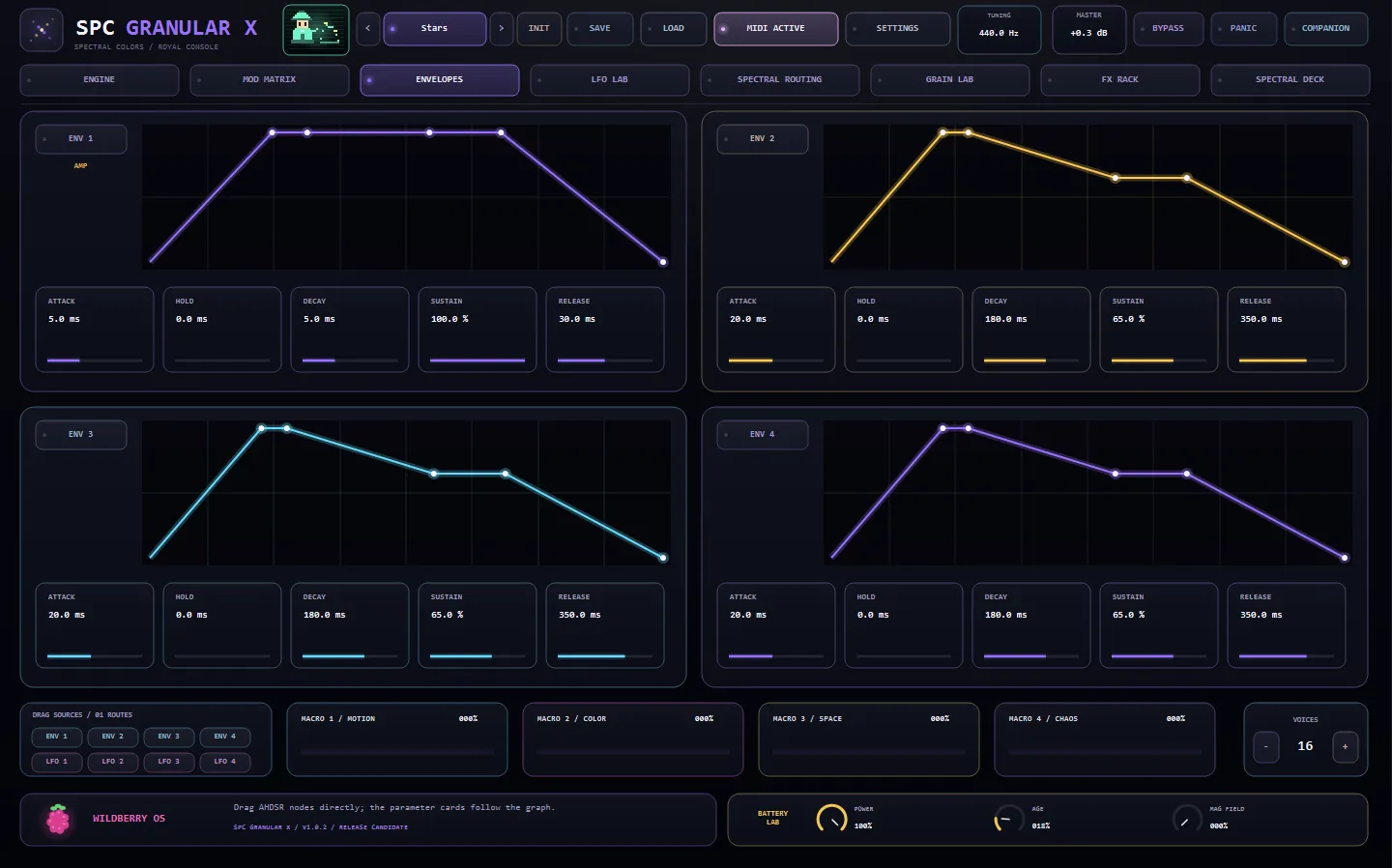
Four AHDSR envelopes with draggable nodes. Shape the amplitude, or aim one at any parameter in the instrument.
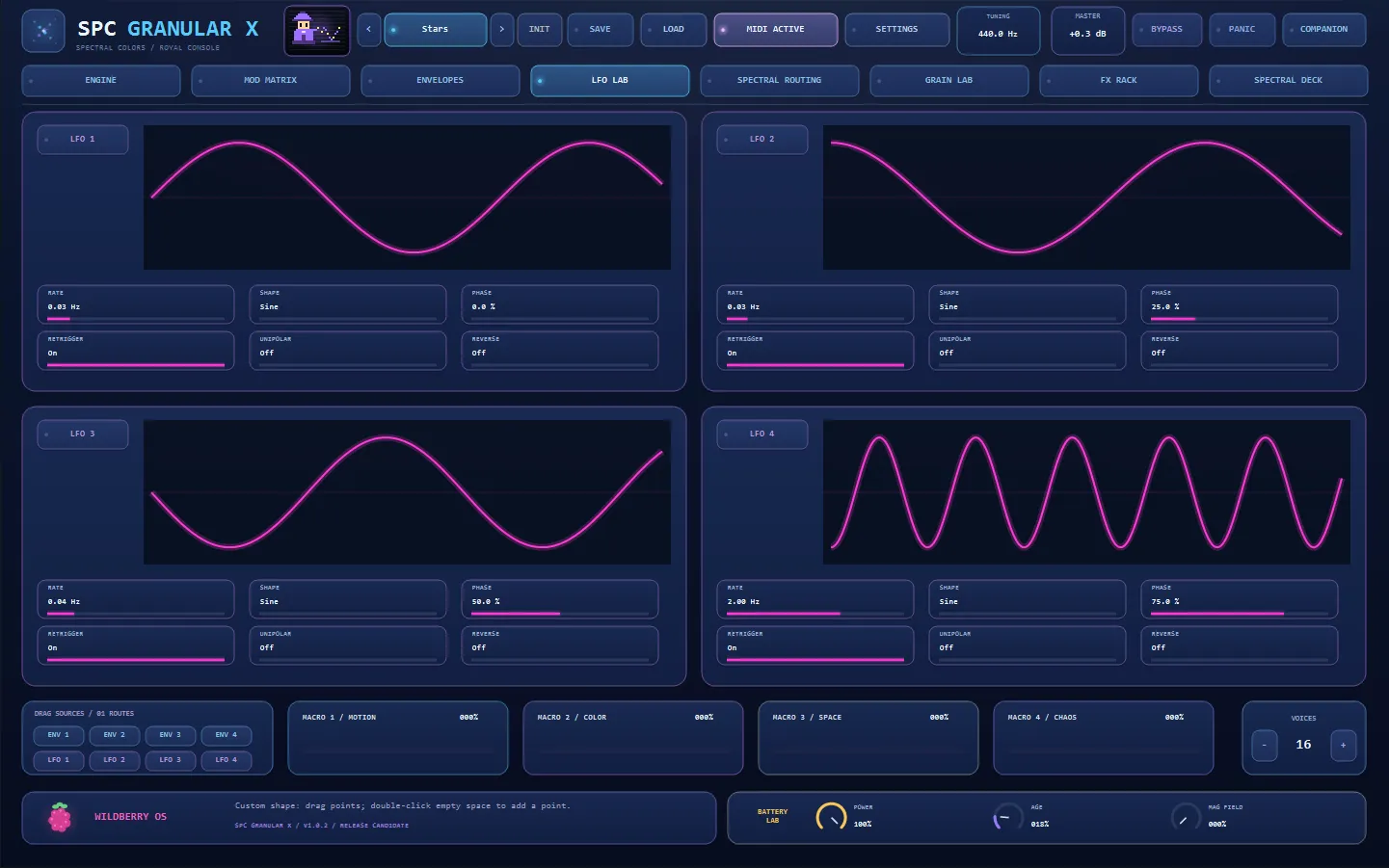
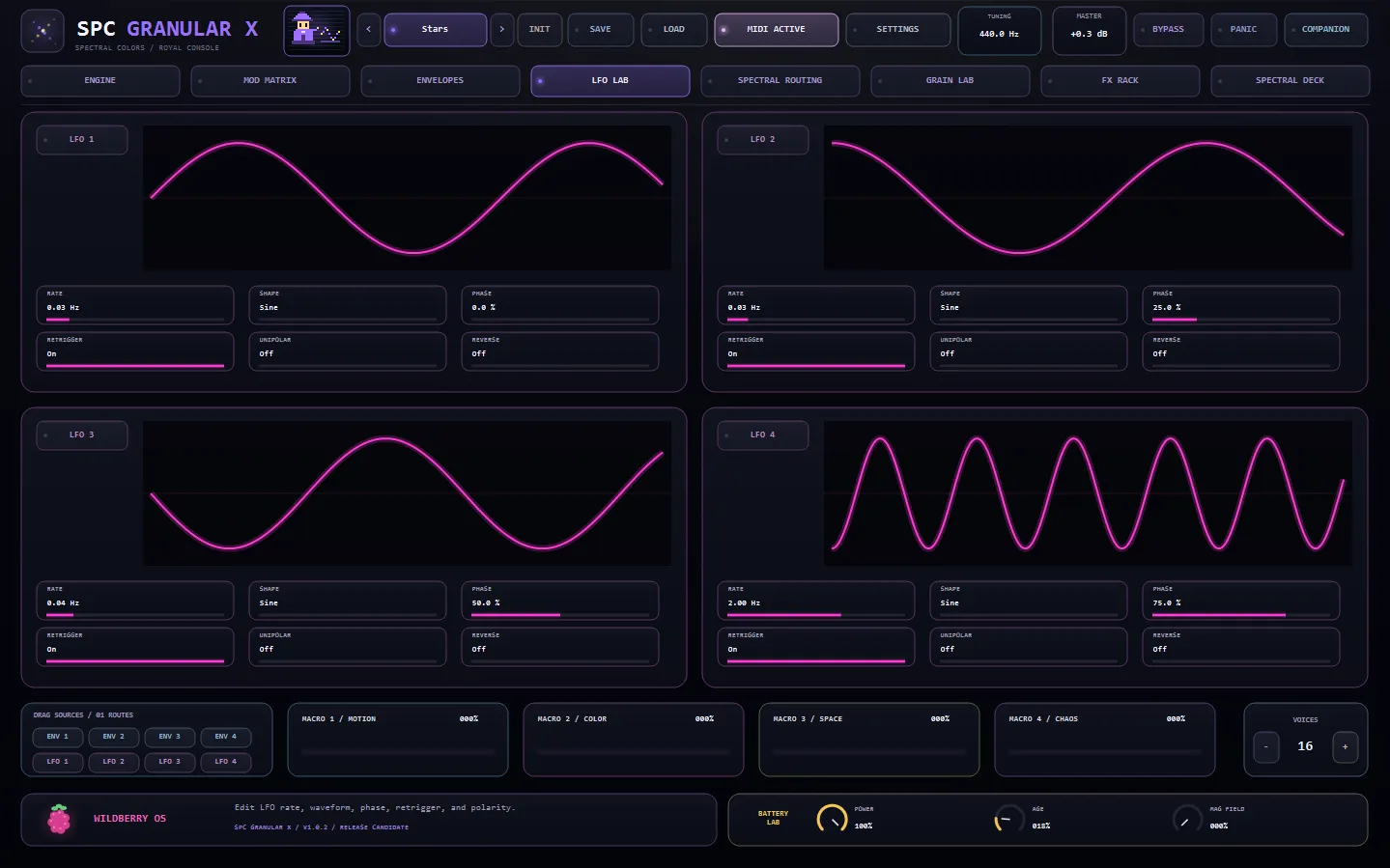
LFO Lab
Four LFOs with selectable shapes, phase offset, retrigger and polarity — from a slow drift under the grain size to an audio-rate wobble.
Mod Matrix
Drag any source onto any control. Sixteen routes, bipolar depth, and every continuous parameter in the plugin is a legal destination.
FX Rack
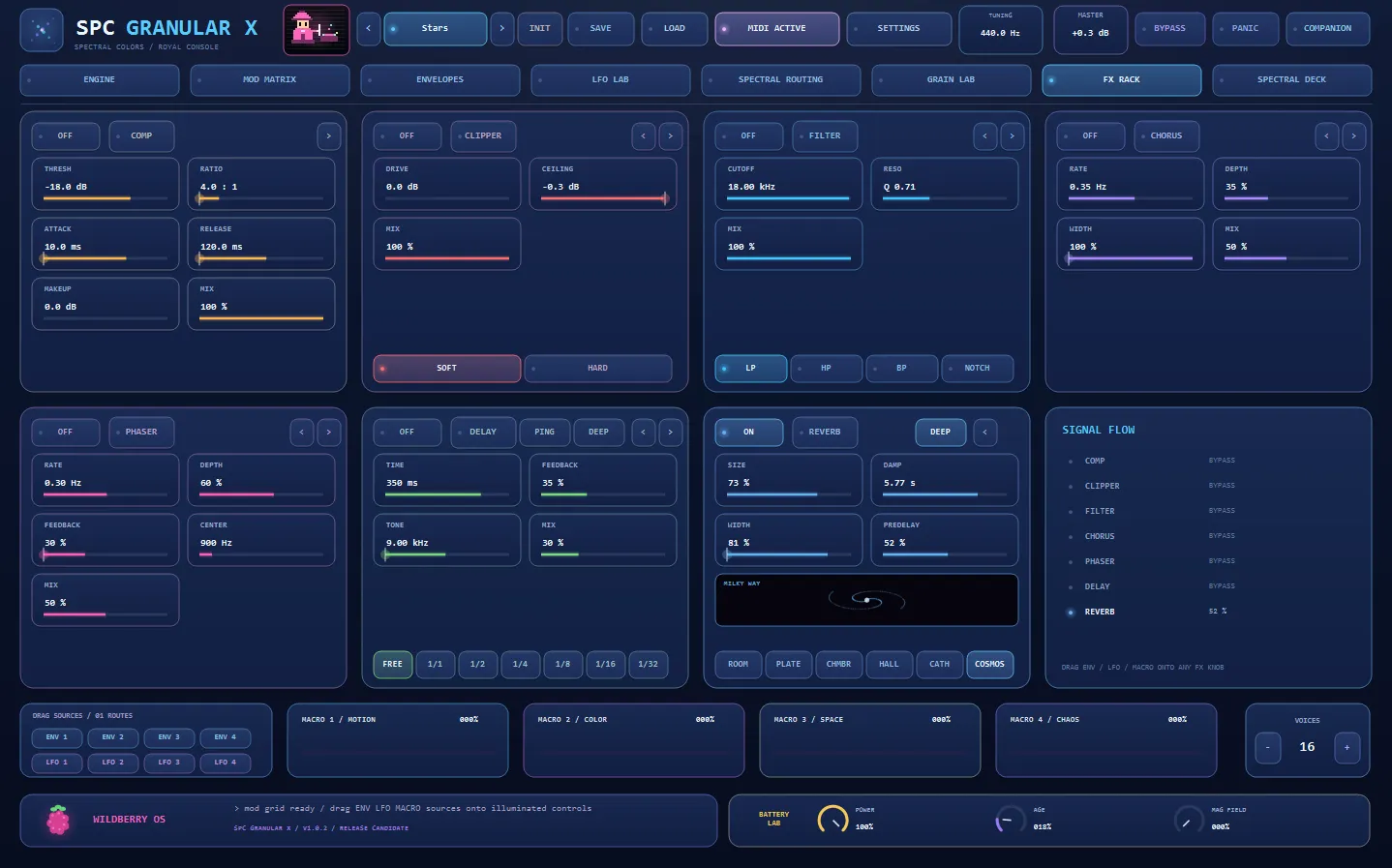
Seven movable slots — compressor, clipper, filter, chorus, phaser, delay and reverb — with a deep Ocean delay and a Milky Way reverb you can watch.
Spectral Deck
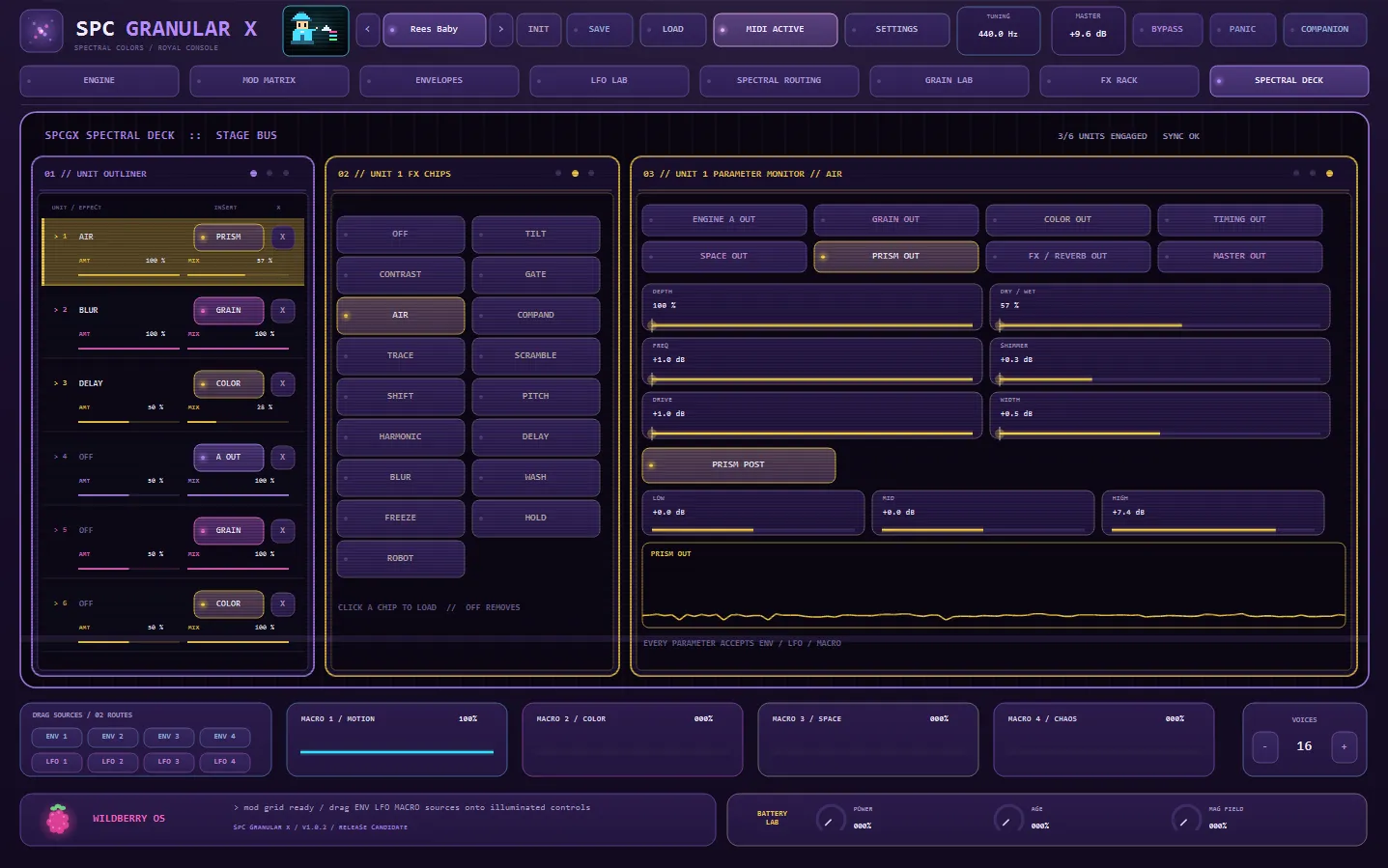
Six spectral units on the stage bus. Choose which point in the signal flow each one taps, then modulate every chip parameter.
25 Console Themes
The whole console reskins — monitors, glass and all — across twenty-five palettes, from Graphite to the Holographic family.
Inside the plugin
Click any image to enlarge.